Redesign My Room With AI: A Step-by-Step Guide
To redesign your room with AI, upload a photo of it to HomeGlow, choose the room type and a style, and you get a photorealistic redesign of that exact room, usually in under 2 minutes, which you can then refine in plain language.
Last updated 26 October 2026
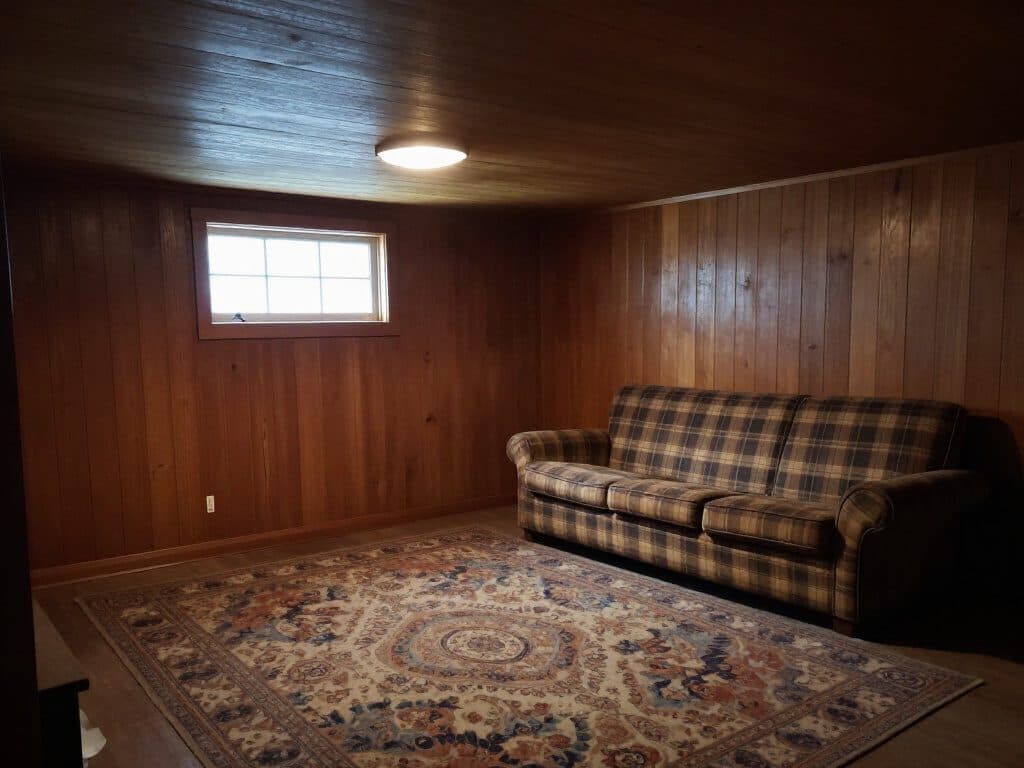
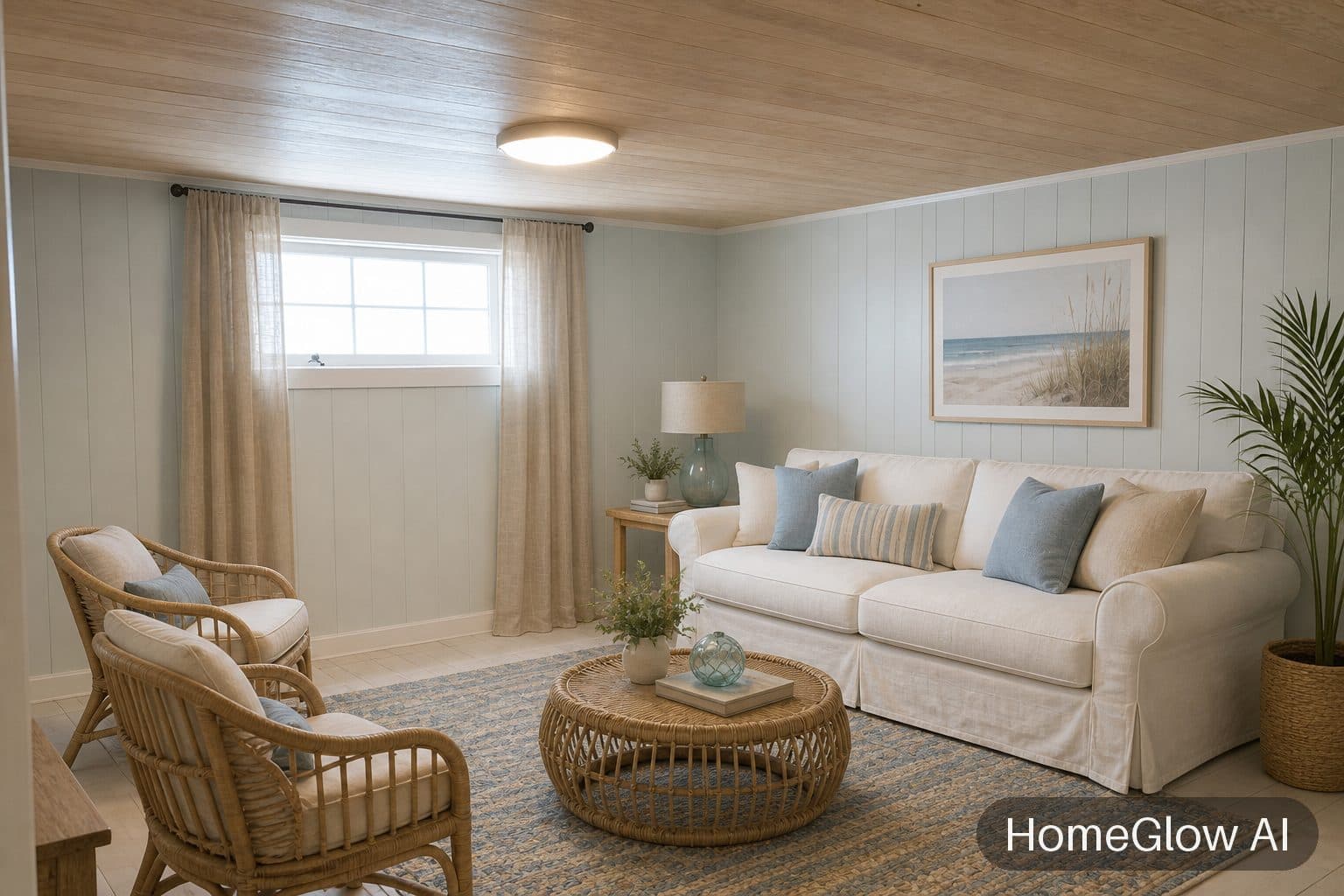
Living room, coastal. Dark panelling becomes a light, airy room without moving a window. See this design
How it works.
Add a photo of the room
Take one in daylight from a corner so the walls and windows are in frame. Upload it from your phone or computer.
Pick the room type and a style
Say what kind of room it is, then choose a style such as Japandi, boho or industrial. You can add a line of your own in the prompt step.
Look, then refine in plain words
Your redesign usually arrives in under 2 minutes. Not quite right? PRO lets you type what to change, for example "make the sofa emerald velvet". Refining uses a credit, which the free tier does not include after its one generation.
Before you shoot: a four-point photo check.
A minute of setup changes the result more than any style choice.
Angle
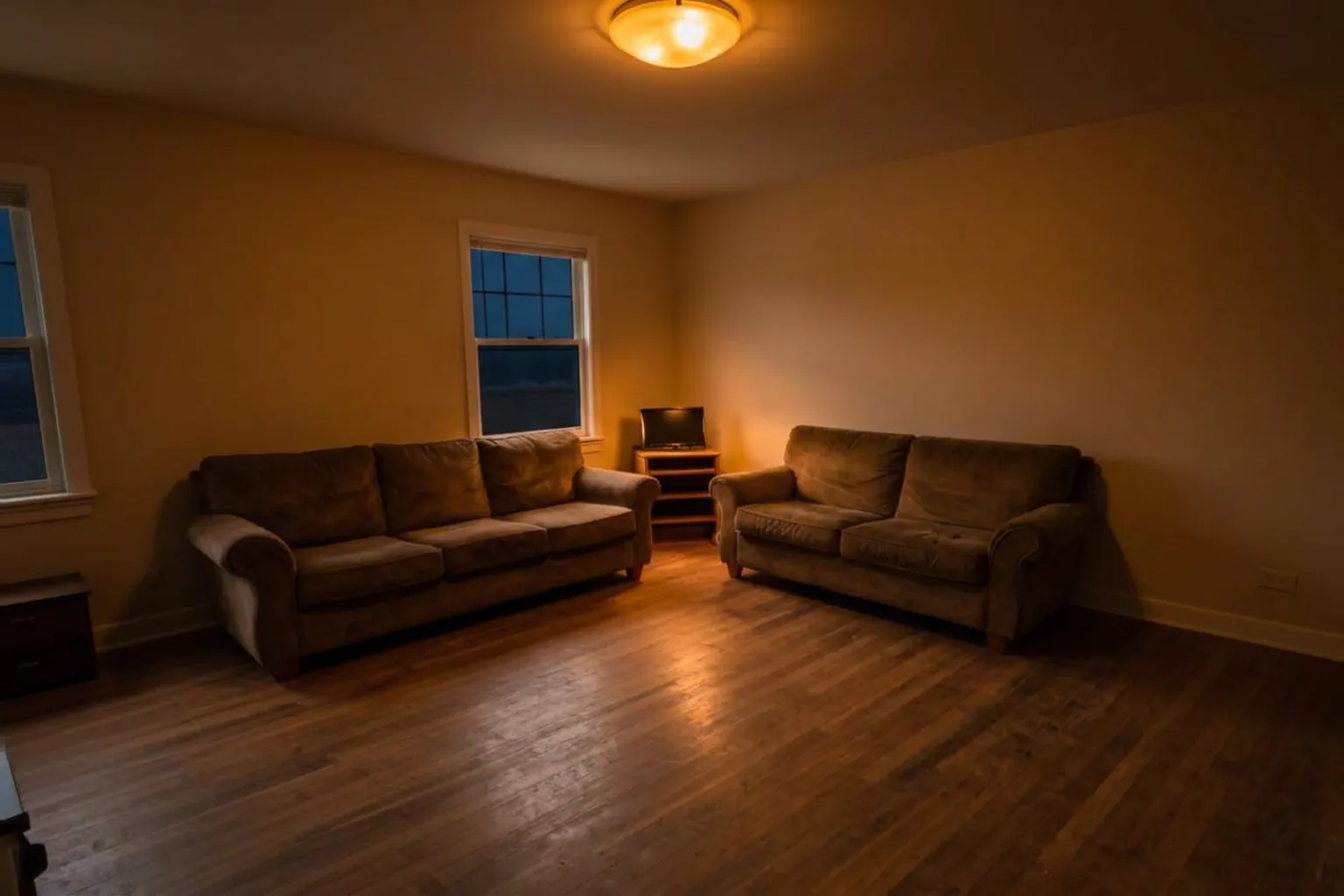
Stand in a corner and aim at the opposite one so two walls and the floor are visible. Keep the phone level.
Light
Daylight is best. If the room is dark, turn on the lights rather than using flash.
Clutter
You do not need to tidy, but a clear floor helps the redesign read the space. Piles of boxes can be mistaken for furniture.
Distance
Stay back far enough to see the whole wall. Very wide-angle lenses bend straight lines, which carries into the result.
Choosing a style when you already own furniture.
A starting point, not a rule. Try two or three; looking is free to try.
| If you have... | Try | Why |
|---|---|---|
| Dark wood, heavy panelling | Coastal or Japandi | Both lighten a dark room without needing new walls. |
| Mixed, hand-me-down pieces | Boho or wabi-sabi | They are built on variety and texture, so odd pieces feel intended. |
| Mostly neutral basics | Scandinavian or minimal | They sharpen what is already calm. |
| A room you find boring | Industrial or art deco | Strong styles show how far one room can travel. |
Dark wood to light, and boxy to bold.
Living room, coastal. Dark panelling becomes a light, airy room without moving a window. See this design
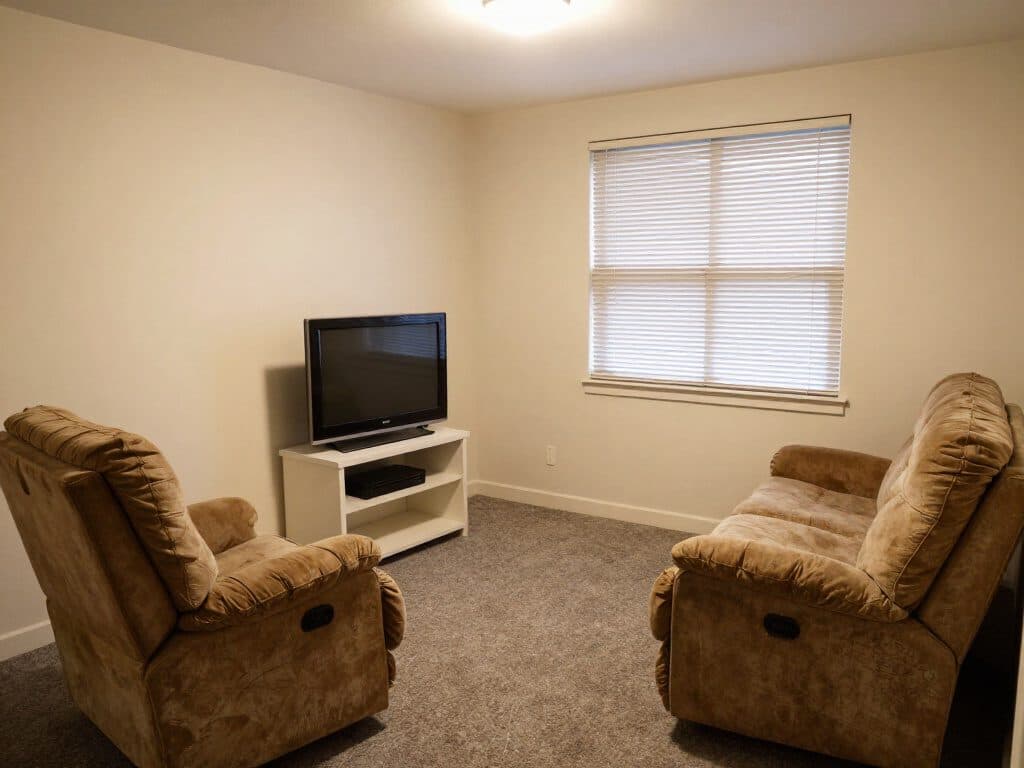
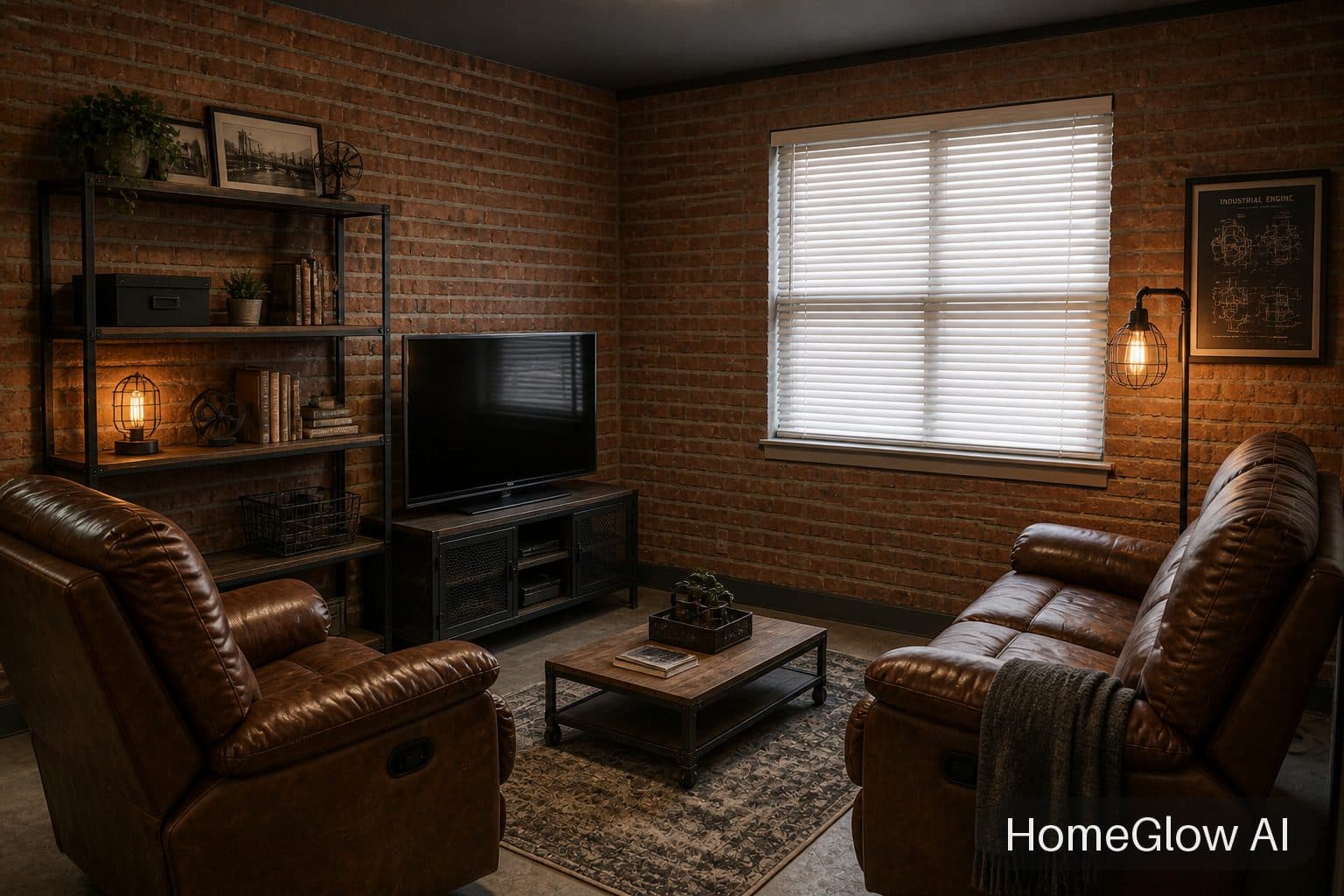
Living room, industrial. Same window and furniture positions, a completely different mood. See this design
One attic bedroom, two directions.
Run the same photo through two styles. Comparing them side by side is the quickest way to learn what you actually like.
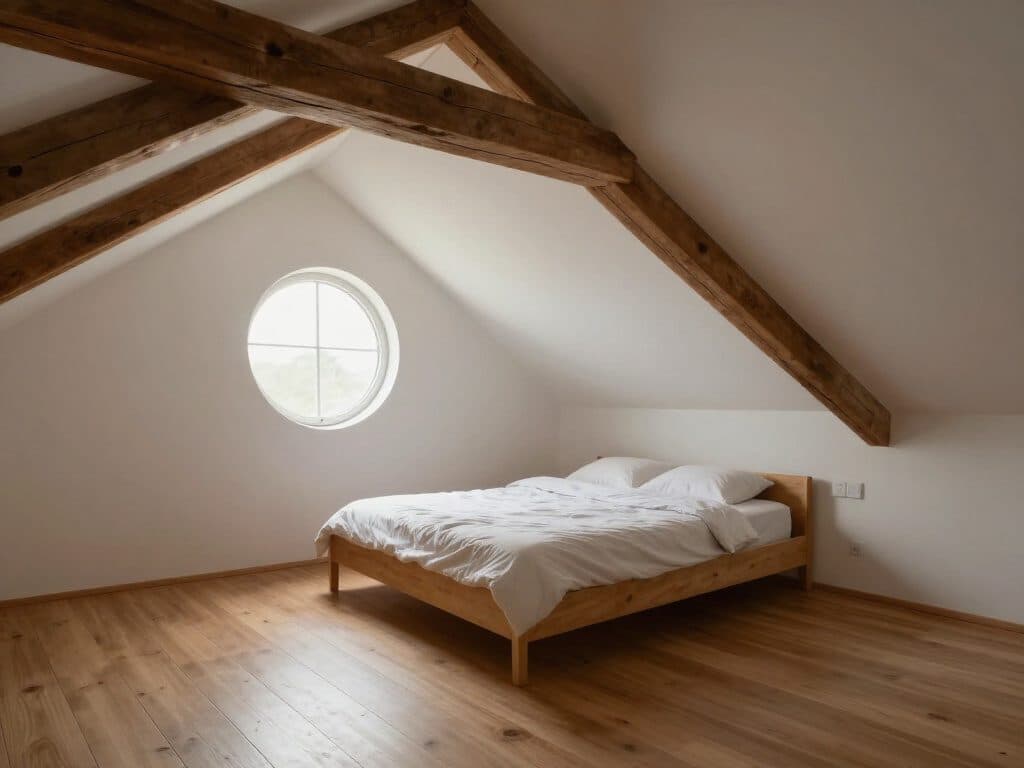
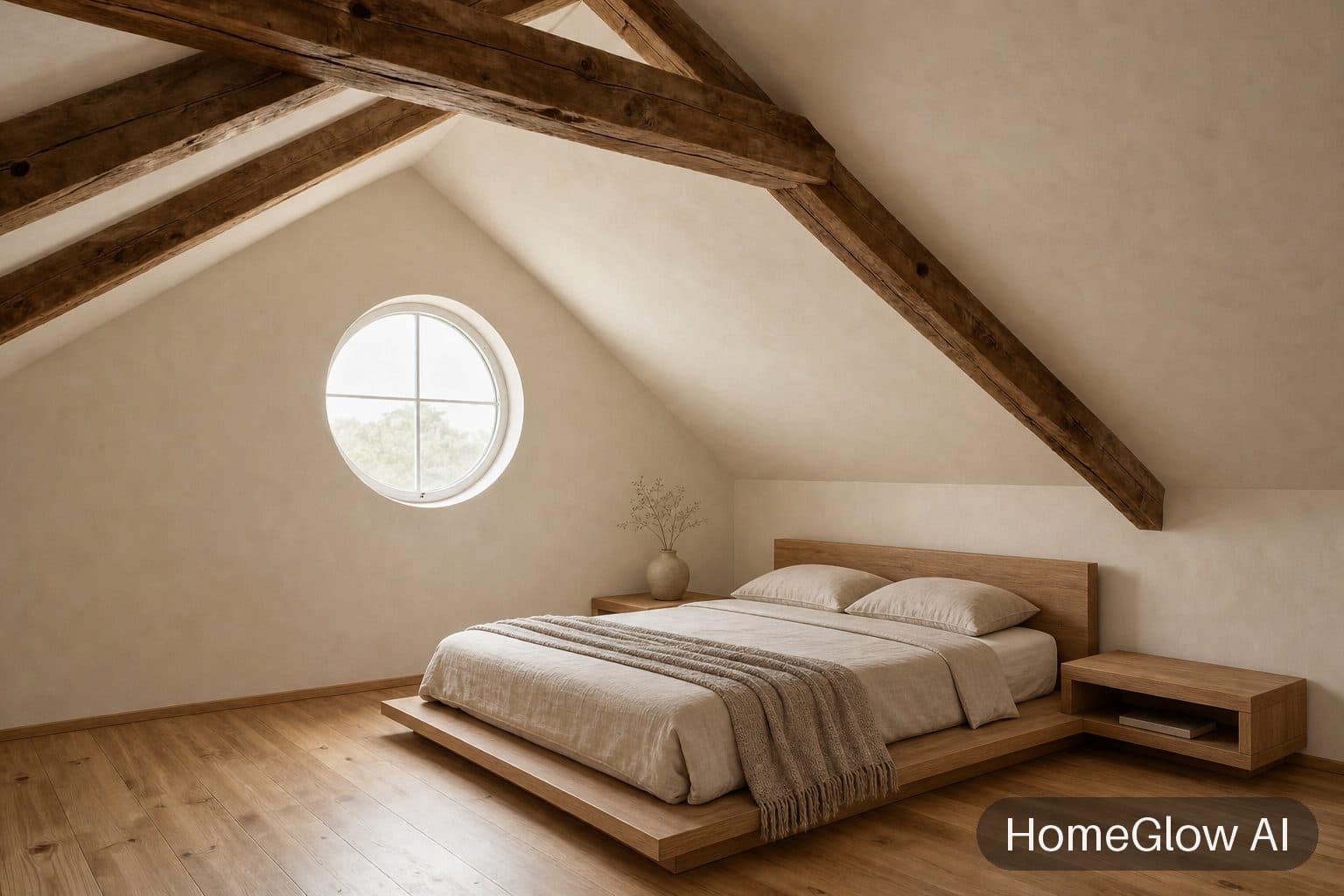
Attic bedroom, Japandi. The beams and round window stay; the bed and palette are new. See this design
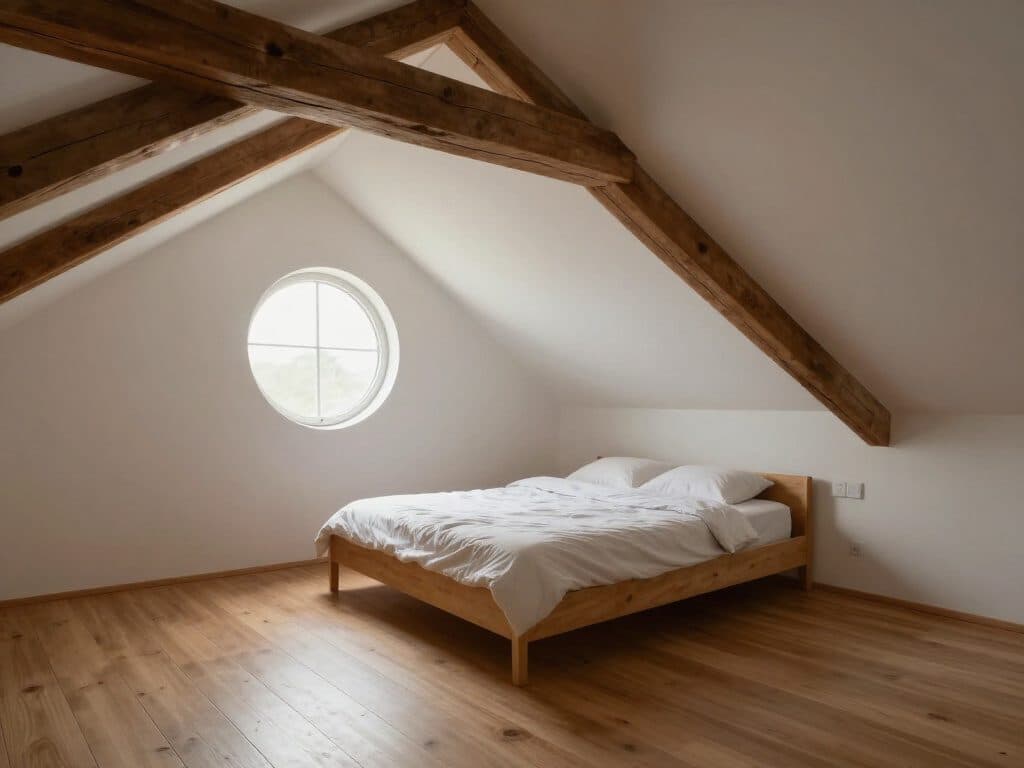
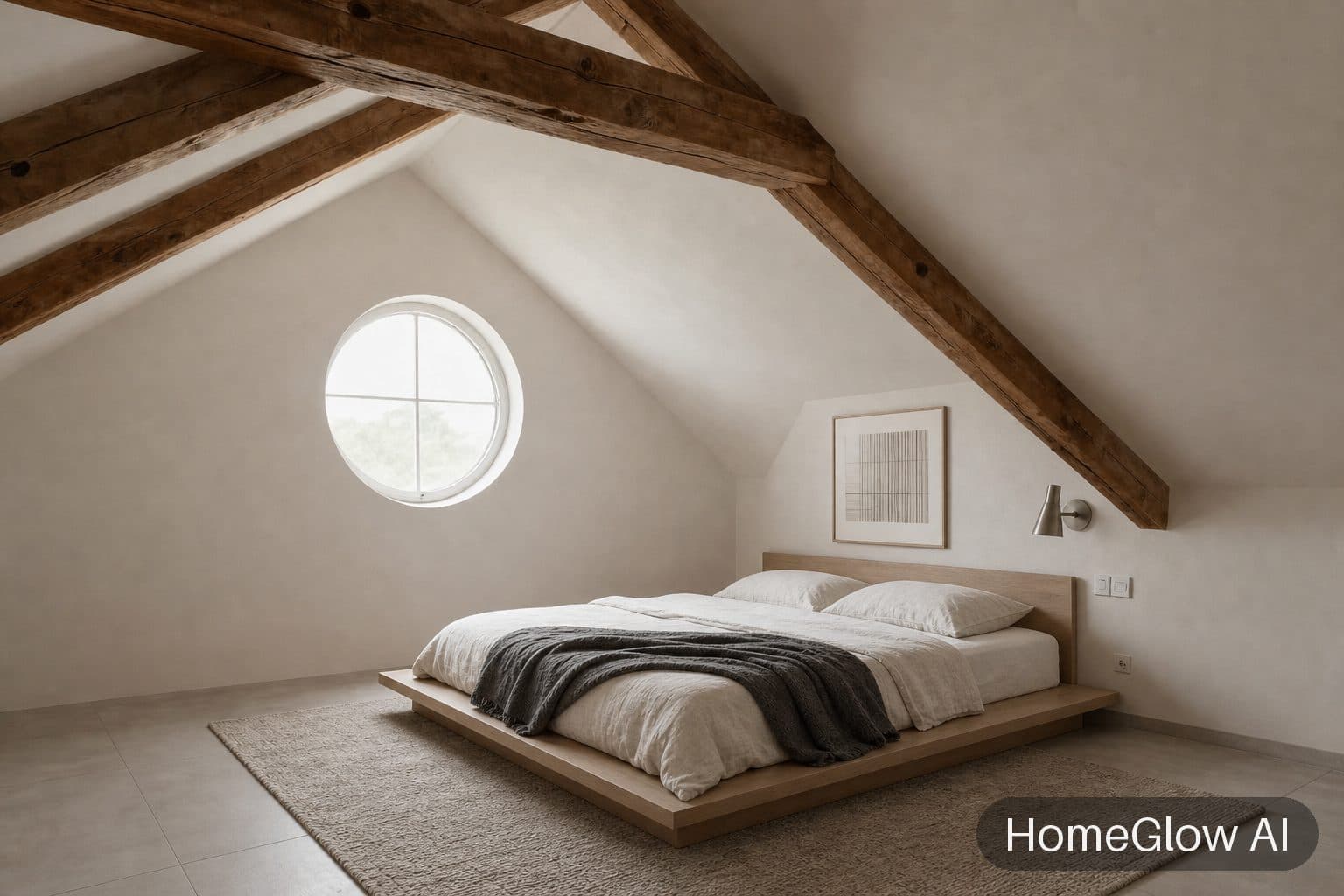
Attic bedroom, minimal. The same attic as the Japandi version, restyled minimal: one room, two directions. See this design
Refine it (PRO): things people type.
Refining a result uses a credit, so it is a PRO feature rather than part of the free generation. Short and concrete works best. These are examples of instructions, not promised results.
Colour
"Paint the walls a soft sage green."
One piece
"Swap the armchair for a rounded cream one."
Mood
"Make it feel cosier, with warmer light."
Keep what you own
"Keep the sofa as it is and change everything else."
Common mistakes.
Picking the wrong room type
A bedroom tagged as a living room gets living-room furniture. Choose the type that matches the photo.
Shooting through a doorway
A narrow slice of the room gives the redesign little to work with. Step inside.
Judging from one try
On PRO, run a second style or refine the first. The comparison teaches more than a single render.
What it will not do.
- Results are AI-generated concept images. They are not structurally accurate, to scale or code-checked, and they do not replace an architect, structural engineer or contractor.
- It will not tell you whether furniture fits or what the work would cost.
- Free results carry a visible watermark (the free tier is 1 free watermarked generation); watermark-free results are part of PRO (see the pricing page).
Browse real HomeGlow redesigns.
Questions.
How do I redesign my room without buying anything?
Preview it first. Upload a photo to HomeGlow, choose a style, and see the redesign on your own room before you spend anything.
Can AI redesign my room from a photo?
Yes. HomeGlow takes one photo of your room and returns a redesign that keeps the walls, windows and camera angle.
What style fits my room?
Start from what you already own and what you want the room to feel like, then try two or three styles on the same photo. The table above gives a starting point.
How do I get the AI to keep my furniture?
Say so in the prompt step, for example "keep the sofa and change everything else". Results can vary, so check the output and refine.
Can I change just one thing?
Yes. Describe the single change in plain language, or use the Replace objects tool for one piece of furniture.
How accurate is it?
It is an AI concept: good for judging colour, mood and style, not for measuring. Treat it as a preview, not a plan.
More from this guide.
Plans and allowances are on the pricing page. Questions? Write to us.
See your own room first.
Free to try on a photo of your room. No card needed to start.
Redesign my room