Copy a Room You Love Into Your Own Space
HomeGlow's Style from photo tool applies the look of a reference image you choose to a photo of your own room, keeping your walls and windows. Upload your room, add an inspiration photo, and see your space in that style.
Last updated 26 October 2026
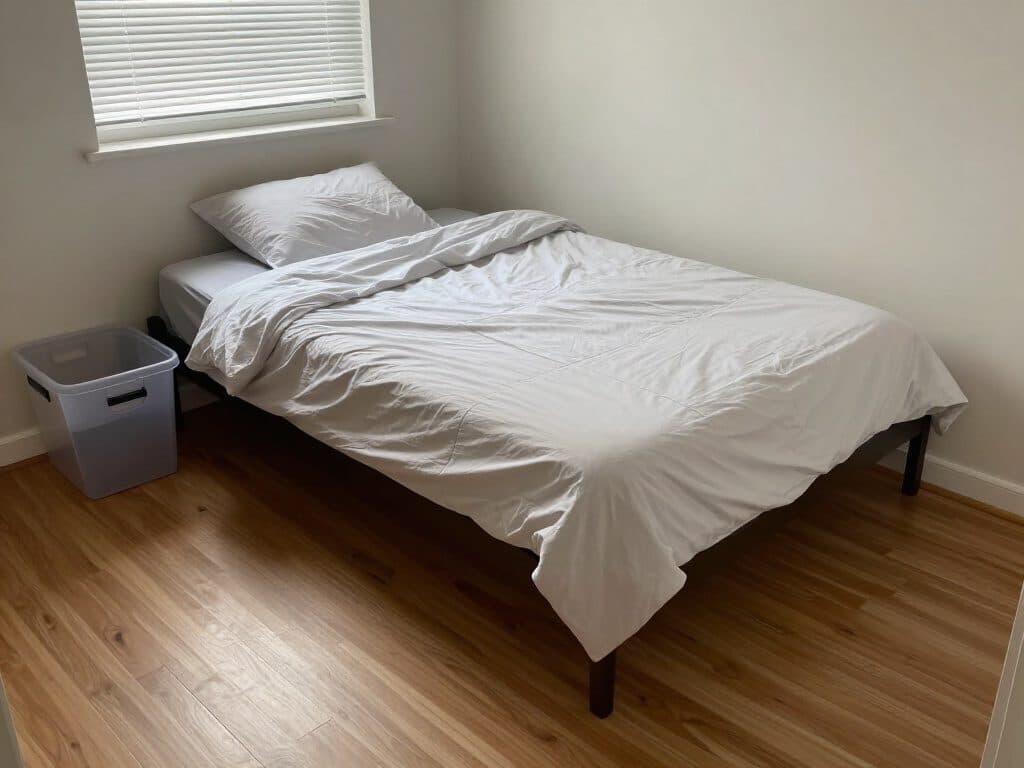
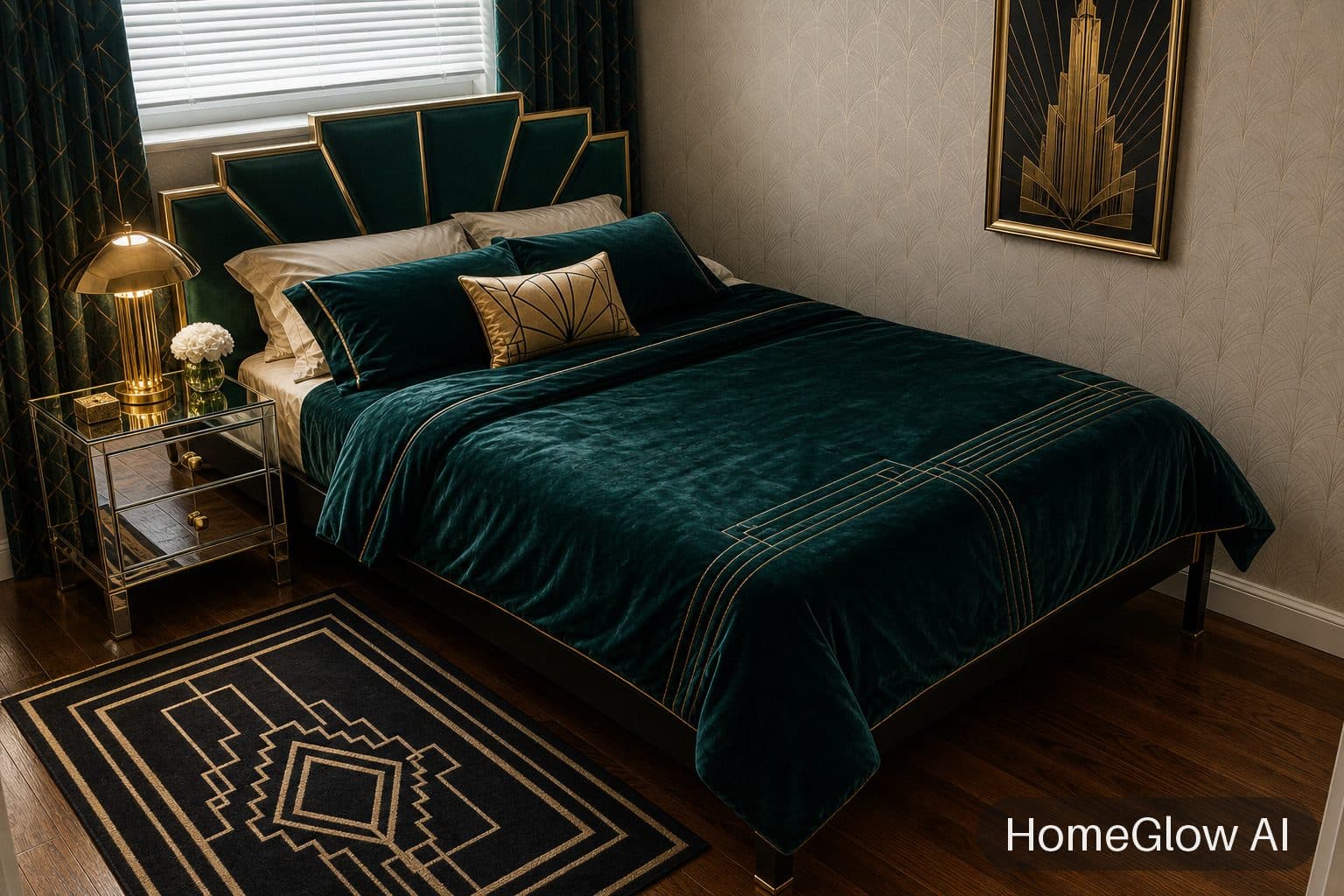
Bedroom, art deco. A real bedroom redesign: emerald, brass and a fan headboard on the same bed and window. This one used a style preset; Style from photo gets to a look like this from a picture instead. See this design
How it works.
Add a photo of your room
The room you want to change, shot in good light with the walls and windows visible.
Add the inspiration photo
A picture of a room whose look you want. Use an image you have the rights to, such as your own photo.
Review and refine
Results usually arrive in under 2 minutes. Describe changes in plain language, for example "keep my own sofa".
A reference-photo restyle.
A bedroom restyled from a reference photo: emerald velvet walls and bedding, brass lamps and an art-deco headboard.
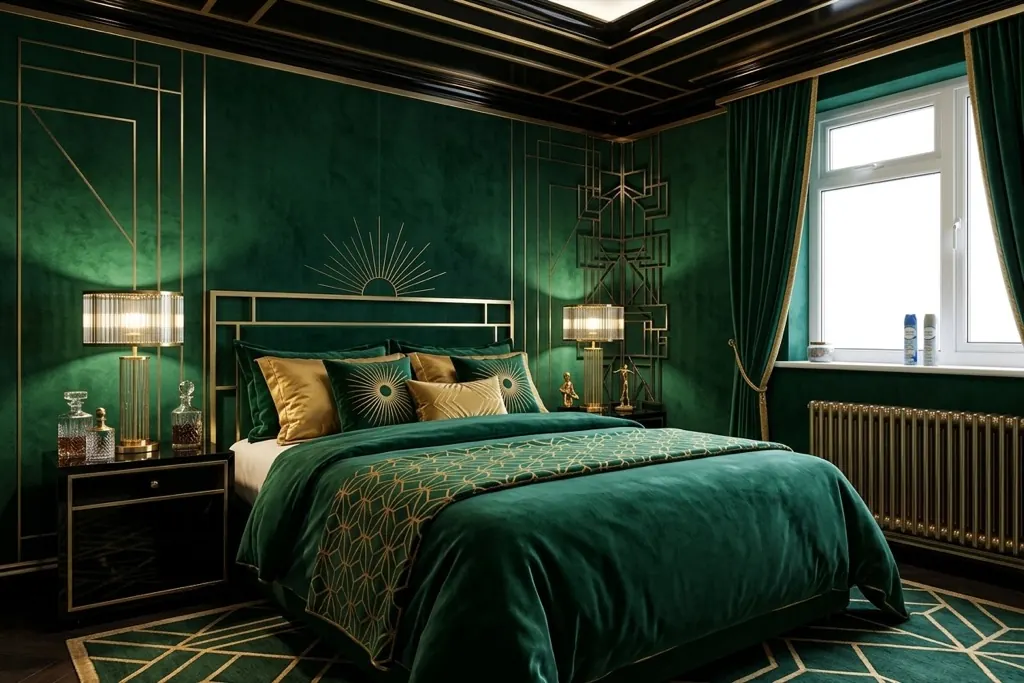
Illustrative image of a Style from photo-style restyle, not a single recorded run.
The same room, another direction.
For comparison, the same bedroom restyled in boho from a preset. A reference photo lets you aim at a specific room rather than a named style.
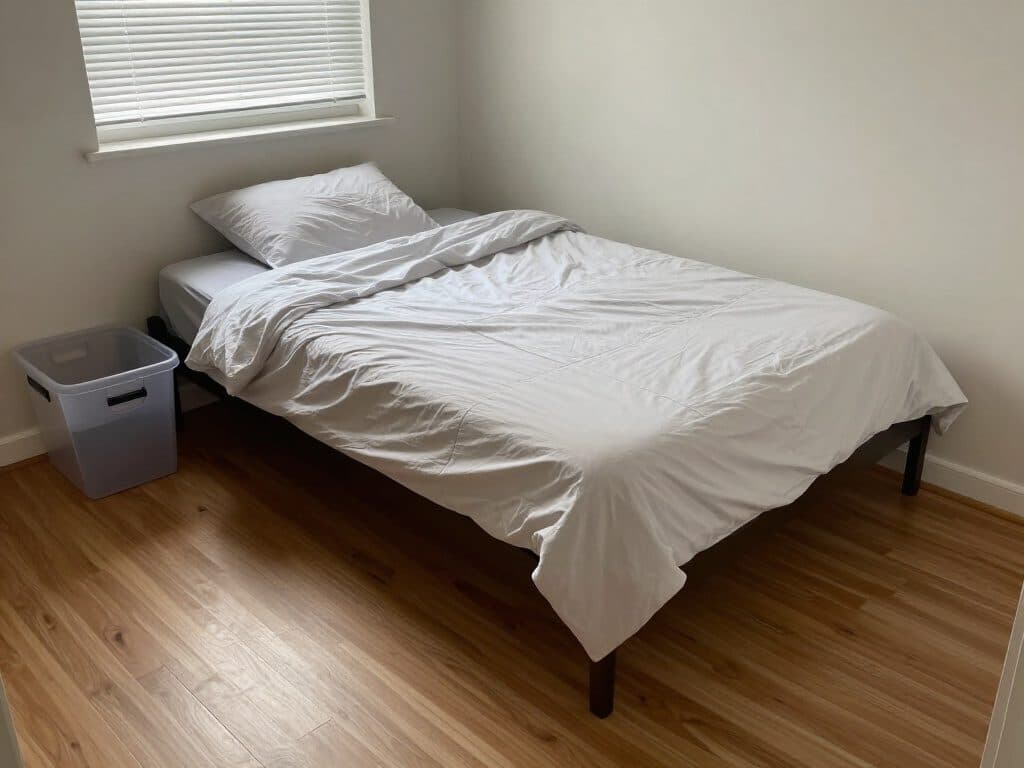
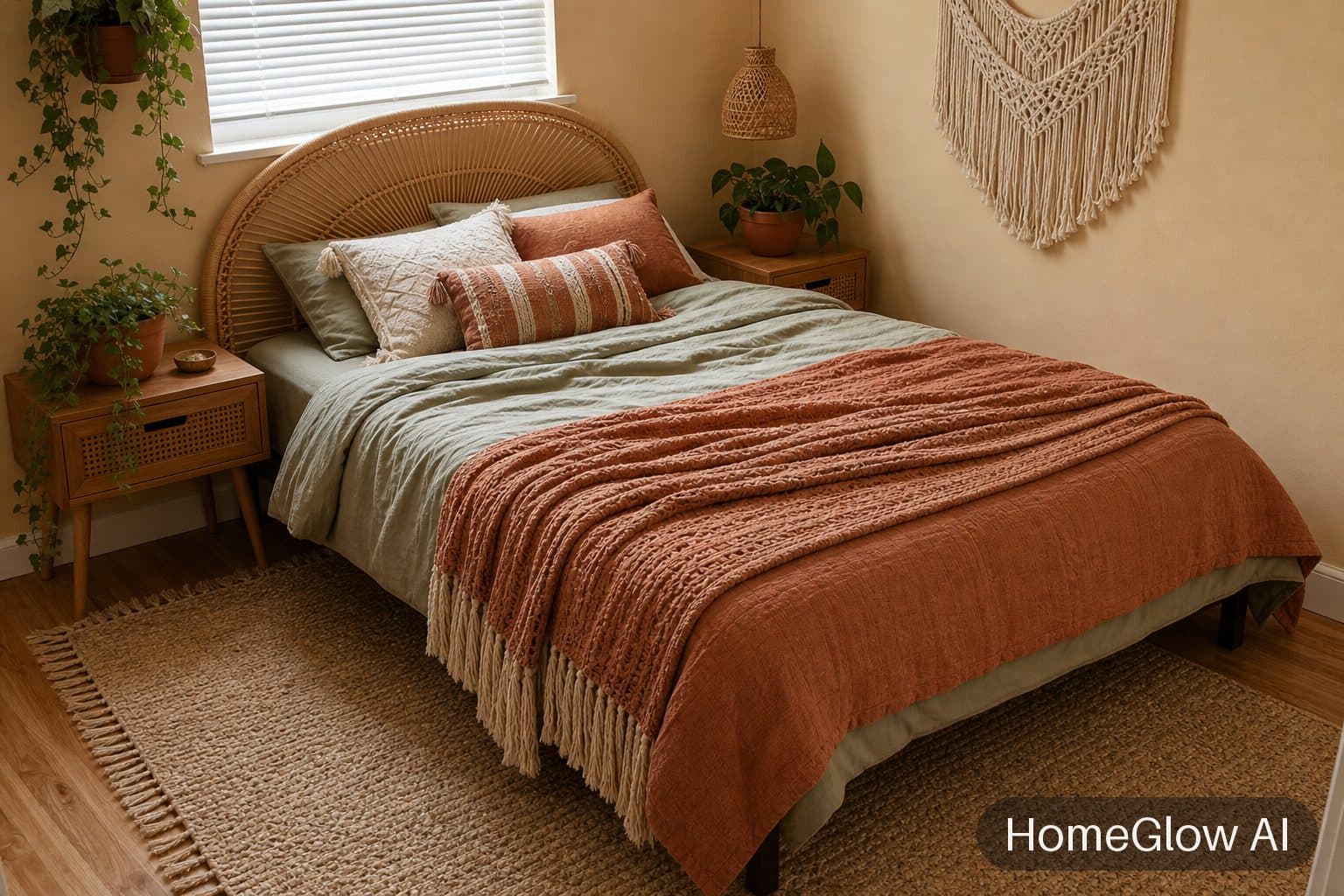
Bedroom, boho. Bedding, headboard and decor change; the room does not. See this design
Picking a good reference.
One clear idea
A room with a strong colour or material story copies better than a busy one.
Similar angle
A reference shot from a similar viewpoint to your own photo is easier to translate.
Your own photos work
A room you stayed in, or a friend's, if they are happy for you to use the picture.
What gets copied and what does not.
The tool takes the look of the reference: palette, materials, mood and the kind of furniture. It applies that to your room's own structure. It does not rebuild the reference room around you, so do not expect the exact furniture or layout to appear.
If your reference comes from a magazine or a website, remember that image belongs to someone else. Use pictures you own or have permission to use, and keep your results for your own planning.
What it will not do.
- Results are AI-generated concept images. They are not structurally accurate, to scale or code-checked, and they do not replace an architect, structural engineer or contractor.
- The result interprets the reference. It will not match a specific product or reproduce the reference room exactly.
- HomeGlow has no board import: you add a photo, not a link to a pinboard.
Browse real HomeGlow redesigns.
Questions.
How do I recreate a Pinterest room in mine?
Save the picture, then add it as the reference in Style from photo alongside your own room photo. Use images you have the right to use.
Can AI copy a style from a photo?
Yes. Style from photo applies the look of a reference image to your room photo.
Does it copy the furniture exactly?
No. It carries over the look: palette, materials and mood, not an exact copy of each piece.
Can I use a magazine photo?
Technically you can upload one, but you should only use images you own or have permission to use. For your own planning, a photo you took yourself is the safest.
Will it keep my layout?
It keeps your room's structure. For furniture positions, say what to keep in the prompt step and check the result.
What about copyright of inspiration images?
Use images you own or are allowed to use. HomeGlow's terms put responsibility for uploaded images on you.
More from this guide.
Plans and allowances are on the pricing page. Questions? Write to us.
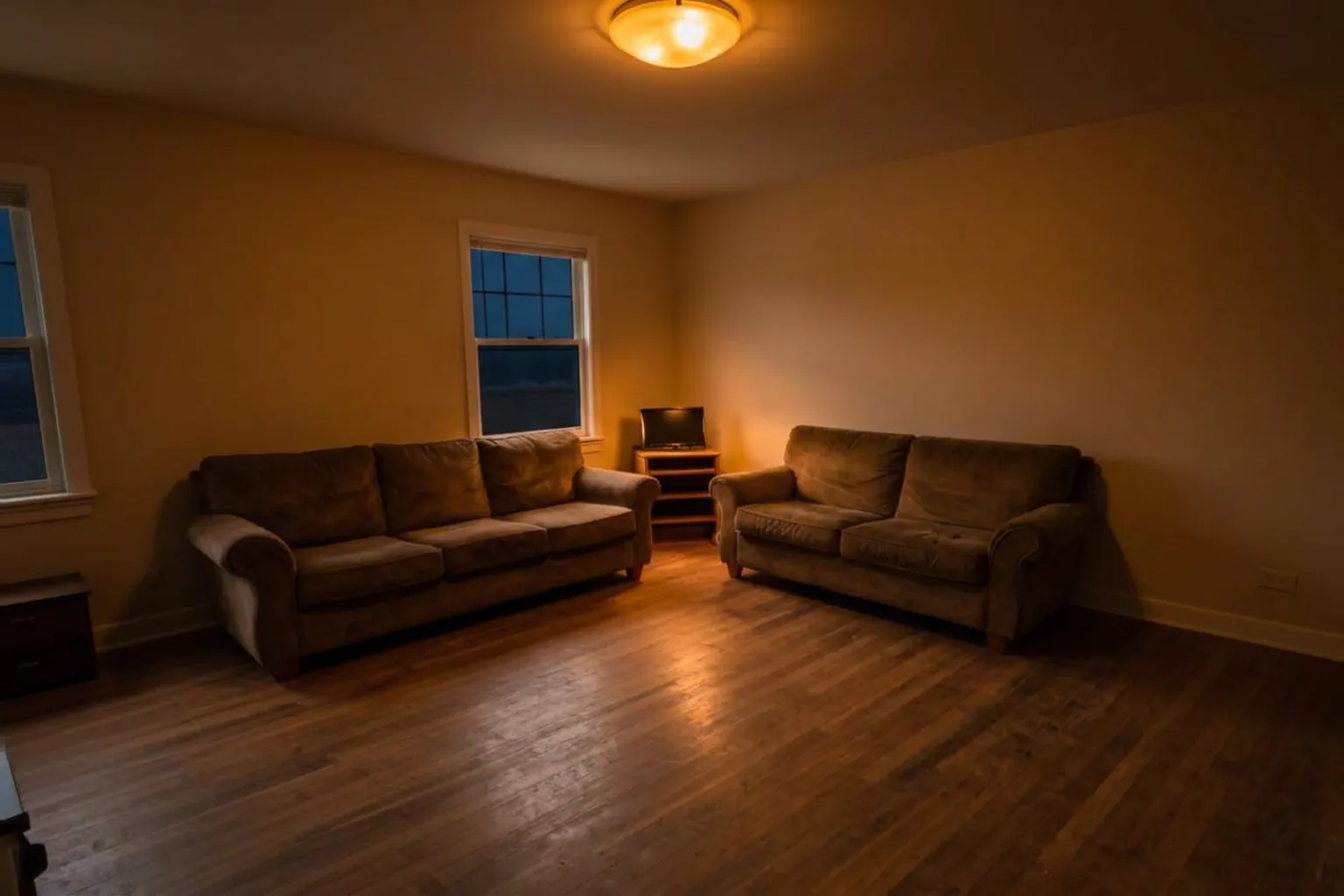
See your own room first.
Free to try on a photo of your room. No card needed to start.
Copy a look into my room