Paintit.ai Alternative: HomeGlow Compared
HomeGlow is a newer AI room redesign tool for the web and Telegram, free to try, with PRO at $11.99 per week or $79.99 per year; Paintit.ai is a web app with a wide professional feature list, including CAD export and brand paint colours. This page compares prices and features as of 26 October 2026 and states where each tool is stronger.
Prices and features checked 26 October 2026
Last updated 26 October 2026
Who should pick which.
Paintit.ai is a web app with Free, Starter, Pro and Max plans and a long list of professional features.
| If you need | Pick | Why |
|---|---|---|
| CAD or DXF export, or image to 3D | Paintit.ai | Its Pro and Max plans list both. HomeGlow offers neither. |
| Real paint brand colours | Paintit.ai | It lists Behr, Benjamin Moore, Dulux, Nippon and Sherwin-Williams. HomeGlow's colours are named shades, not brand-certified. |
| Furniture suggestions from stores | Paintit.ai | It lists similar-furniture search across Amazon, IKEA, Jysk and Ashley. |
| A simple tool for restyling one photo | HomeGlow | HomeGlow has fewer features to learn. |
| Use it inside Telegram | HomeGlow | HomeGlow runs as a Telegram Mini App. |
What Paintit.ai lists.
Only what the vendor’s own page states, each with its source. Prices and features checked 26 October 2026.
| Item | Listed | Source |
|---|---|---|
| Plans | Free, Starter, Pro and Max. | paintit.ai |
| Free plan | 30 credits, no card. | paintit.ai |
| Pro and Max | 360 views, image to 3D, floor plan, CAD/DXF export, Listing Expert, Repaint Expert and Sketch to Render. | paintit.ai |
| Paint colours | Lists Behr, Benjamin Moore, Dulux, Nippon and Sherwin-Williams. | paintit.ai |
| Furniture search | Similar-furniture search across Amazon, IKEA, Jysk and Ashley. | paintit.ai |
| Other listed features | API, 4K and Pinterest board import. | paintit.ai |
| Platform and languages | Web app; HEIC supported; interface in English, Spanish, Brazilian Portuguese and German. | paintit.ai |
Side by side.
Rows appear only where both sides are stated. Prices and features checked 26 October 2026.
| Feature | HomeGlow | Paintit.ai | Source |
|---|---|---|---|
| Free access | 1 free watermarked generation (one-time); no card needed to start | Free plan with 30 credits, no card | paintit.ai |
| CAD or DXF export | No | Pro and Max | paintit.ai |
| Brand paint colours | Named shades, not brand-certified | Lists five paint brands | paintit.ai |
| Pinterest board import | No; you add a photo (Style from photo) | Listed | paintit.ai |
Paintit.ai's paid plan prices are not compared here. See its site for current prices.
Prices and features checked 26 October 2026. Vendors change plans often; confirm on their own pages before you decide.
Where each is stronger.
Where HomeGlow is stronger
- It starts from your own room photo and keeps the walls, windows and camera angle, changing the furniture, materials, colour and lighting.
- Twenty task-specific tools sit in one place: whole-room restyle, wall colours, floors, exterior, landscape, declutter, cleanup, lighting and more.
- PRO users can refine a result in plain language, such as "make the sofa emerald velvet".
- Photos are stored privately and are public only if you share a design to the Discover gallery.
- Beyond restyling, 20 task-specific tools (restyle, exterior, landscape, floors, declutter and more).
Where Paintit.ai is stronger
- Professional exports: CAD, DXF and image to 3D.
- Brand paint colours and similar-furniture search.
- A free plan with 30 credits and no card.
Where HomeGlow falls short
- HomeGlow is new and small. There is no long track record or large body of independent reviews.
- There is no iPhone app yet (one is in preparation) and no Android app. HomeGlow runs in a web browser and as a Telegram Mini App.
- The free tier is 1 free watermarked generation, and Colorways and refining a result are PRO features.
- It does not link to real products, estimate costs or export CAD or 3D model files.
- HD upscale is available on PRO only, and there is no video.
What HomeGlow does on a real room.
A real HomeGlow render. We only show our own output here, not Paintit.ai’s.
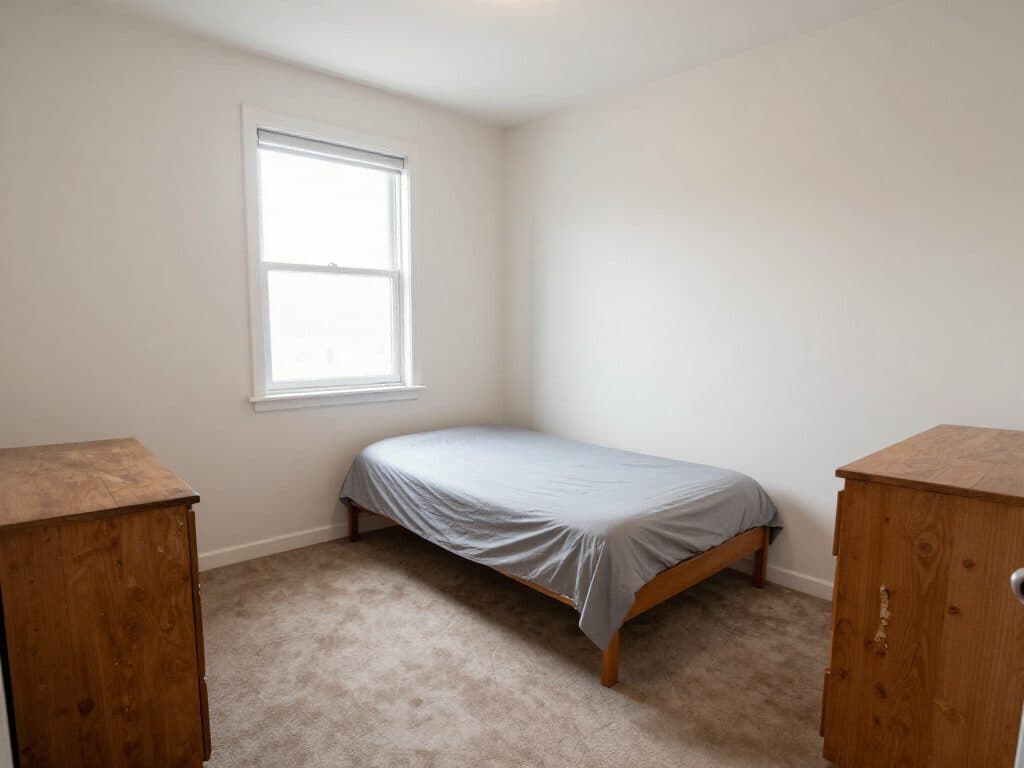
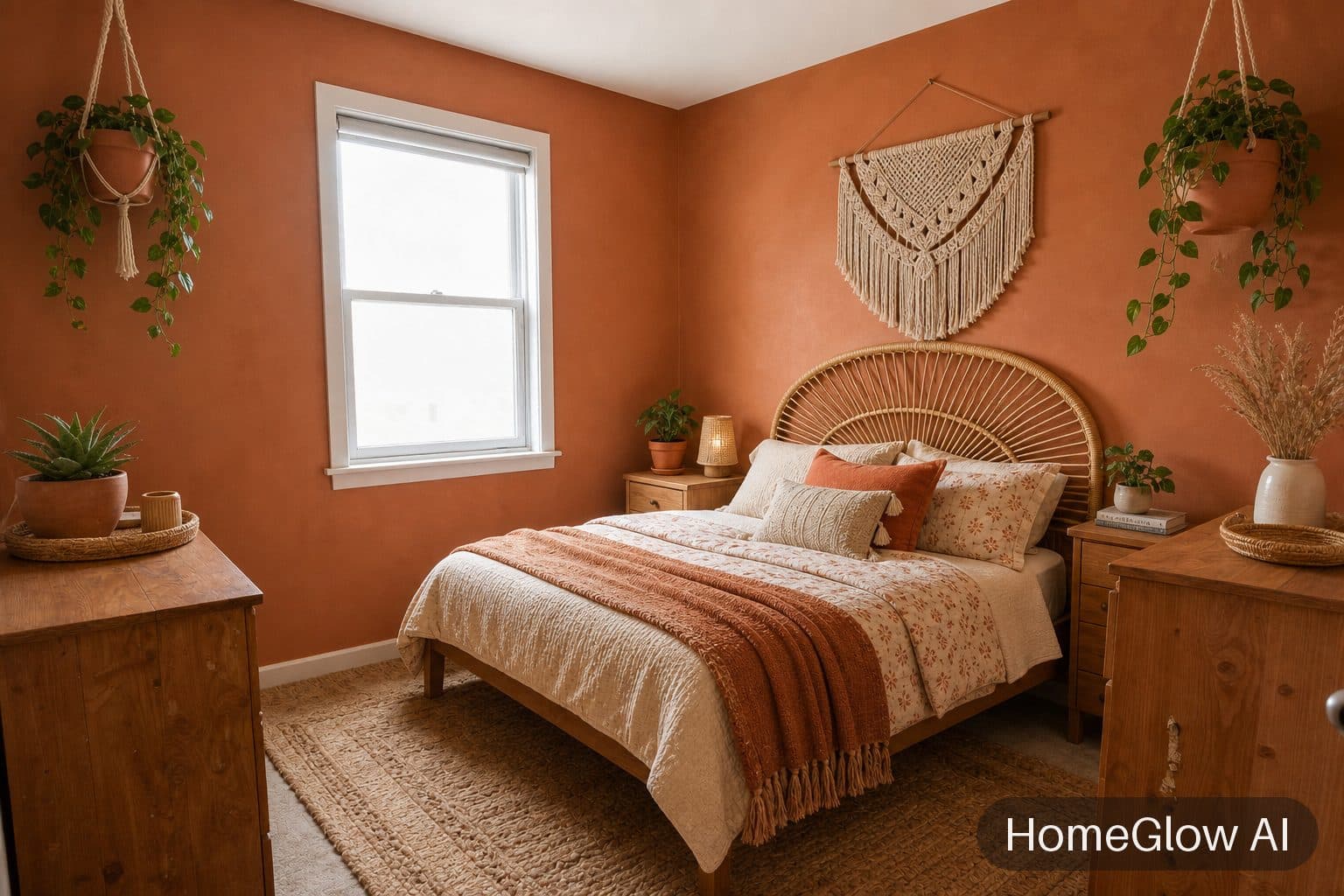
Bedroom, boho. Same room, same window, a warm clay wall and layered bedding. See this design
Questions.
Is Paintit.ai free?
Its page lists a Free plan with 30 credits and no card. HomeGlow is also free to try, but with less: 1 free watermarked generation, one-time.
Paintit.ai vs Interior AI?
See our Interior AI comparison. They differ in features and pricing.
Does Paintit.ai use real paint colours?
Its page lists Behr, Benjamin Moore, Dulux, Nippon and Sherwin-Williams. HomeGlow's colours are named shades and are approximations, so test a physical sample.
Can Paintit.ai make floor plans?
Its Pro and Max plans list Floor Plan among their features.
Paintit.ai pricing?
Check its own site for current paid plans. HomeGlow PRO is $11.99 a week or $79.99 a year.
Best Paintit.ai alternative?
That depends on what you need. HomeGlow suits simple restyling of your own photo.
Other comparisons.
HomeGlow tools in detail: AI interior design. Plans are on the pricing page.
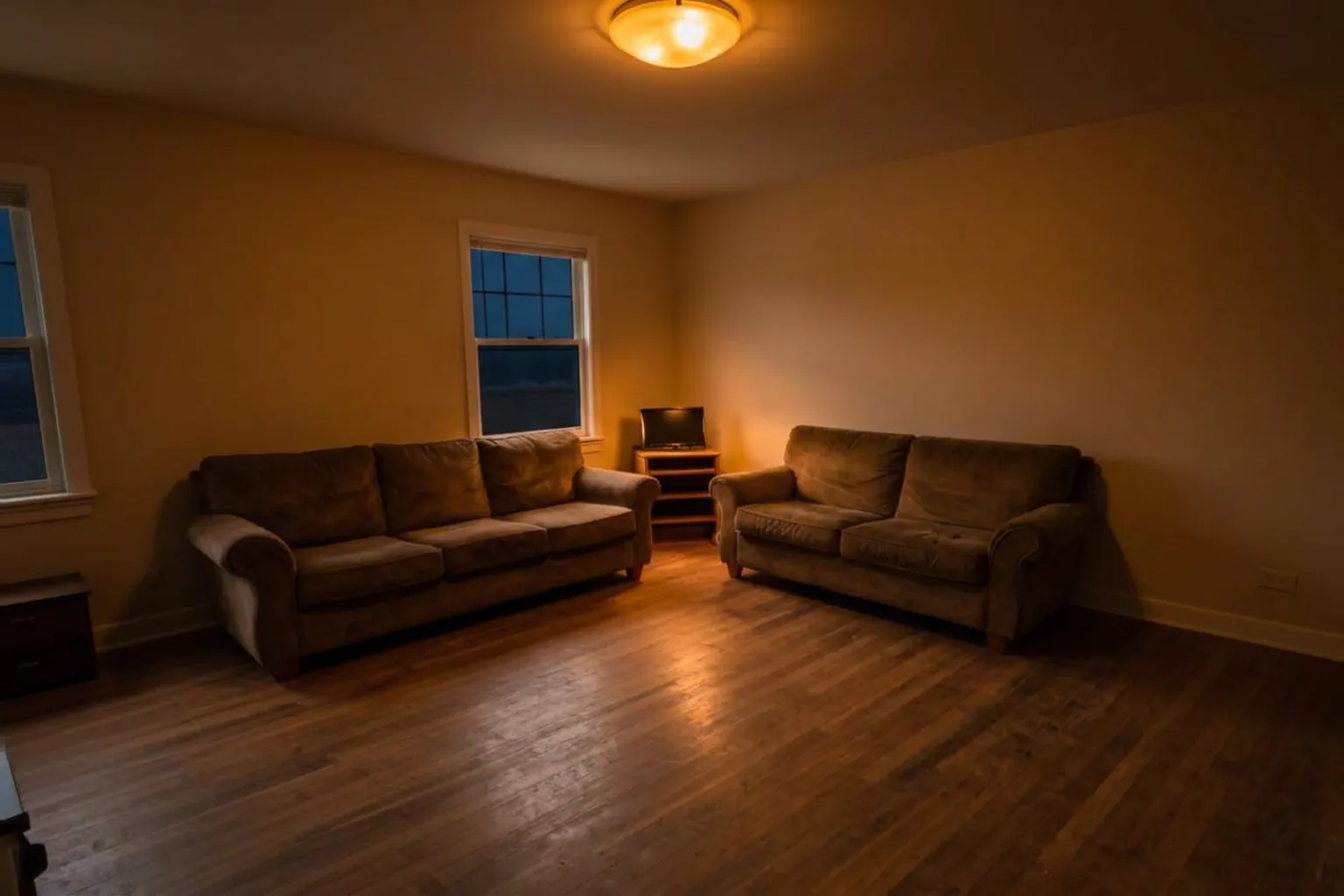
Judge it on your own room.
Free to try on a photo of your room. No card needed to start.
Try HomeGlow free