HomeDesigns AI Alternative: HomeGlow Compared
HomeGlow is a newer AI room redesign tool for the web and Telegram, free to try, with PRO at $11.99 per week or $79.99 per year; HomeDesigns AI is a feature-rich web app with structure lock, video, floor-plan and shopping features. This page compares prices and features as of 26 October 2026 and states where each tool is stronger.
Prices and features checked 26 October 2026
Last updated 26 October 2026
Who should pick which.
HomeDesigns AI is a web app with a long feature list, including a structure-lock option.
| If you need | Pick | Why |
|---|---|---|
| Furniture shopping links and a budget estimator | HomeDesigns AI | It lists both. HomeGlow has neither. |
| Video walkthroughs and 2D-to-3D floor plans | HomeDesigns AI | Both are listed. HomeGlow has no video and its floor plan tool makes a visual render only. |
| Keeping the room's structure | Either | HomeDesigns AI lists Structure-Lock; HomeGlow keeps walls, windows and camera angle by design. |
| A small, focused set of tools for your own home | HomeGlow | Twenty tools, each with a short flow. |
| Use it inside Telegram | HomeGlow | HomeGlow runs as a Telegram Mini App. |
What HomeDesigns AI lists.
Only what the vendor’s own page states, each with its source. Prices and features checked 26 October 2026.
| Item | Listed | Source |
|---|---|---|
| Platform | Web-based. | homedesigns.ai |
| Styles and spaces | 200-plus. | homedesigns.ai |
| Features | Structure-Lock, video walkthroughs, 2D-to-3D floor plans, furniture shopping links, empty room, sky and weather swap, virtual staging and a budget estimator. | homedesigns.ai |
| Output | High-resolution results with a commercial licence and no watermark, it says. | homedesigns.ai |
Side by side.
Rows appear only where both sides are stated. Prices and features checked 26 October 2026.
| Feature | HomeGlow | HomeDesigns AI | Source |
|---|---|---|---|
| Keep the room's structure | Yes, by default | Structure-Lock | homedesigns.ai |
| Virtual staging | Yes (Furnish empty room) | Yes | homedesigns.ai |
| Video walkthroughs | No | Yes | homedesigns.ai |
| Furniture shopping links | No | Yes | homedesigns.ai |
| Budget estimator | No | Yes | homedesigns.ai |
HomeDesigns AI's plan prices are not compared here. HomeGlow PRO is shown above; see HomeDesigns AI's site for its current plans.
Prices and features checked 26 October 2026. Vendors change plans often; confirm on their own pages before you decide.
Where each is stronger.
Where HomeGlow is stronger
- It starts from your own room photo and keeps the walls, windows and camera angle, changing the furniture, materials, colour and lighting.
- Twenty task-specific tools sit in one place: whole-room restyle, wall colours, floors, exterior, landscape, declutter, cleanup, lighting and more.
- PRO users can refine a result in plain language, such as "make the sofa emerald velvet".
- Photos are stored privately and are public only if you share a design to the Discover gallery.
Where HomeDesigns AI is stronger
- A much longer feature list: video, shopping links, a budget estimator and floor plans.
- A structure-lock option, so keeping the room's structure is not unique to HomeGlow.
- A larger style and space library.
Where HomeGlow falls short
- HomeGlow is new and small. There is no long track record or large body of independent reviews.
- There is no iPhone app yet (one is in preparation) and no Android app. HomeGlow runs in a web browser and as a Telegram Mini App.
- The free tier is 1 free watermarked generation, and Colorways and refining a result are PRO features.
- It does not link to real products, estimate costs or export CAD or 3D model files.
- HD upscale is available on PRO only, and there is no video.
What HomeGlow does on a real room.
A real HomeGlow render. We only show our own output here, not HomeDesigns AI’s.
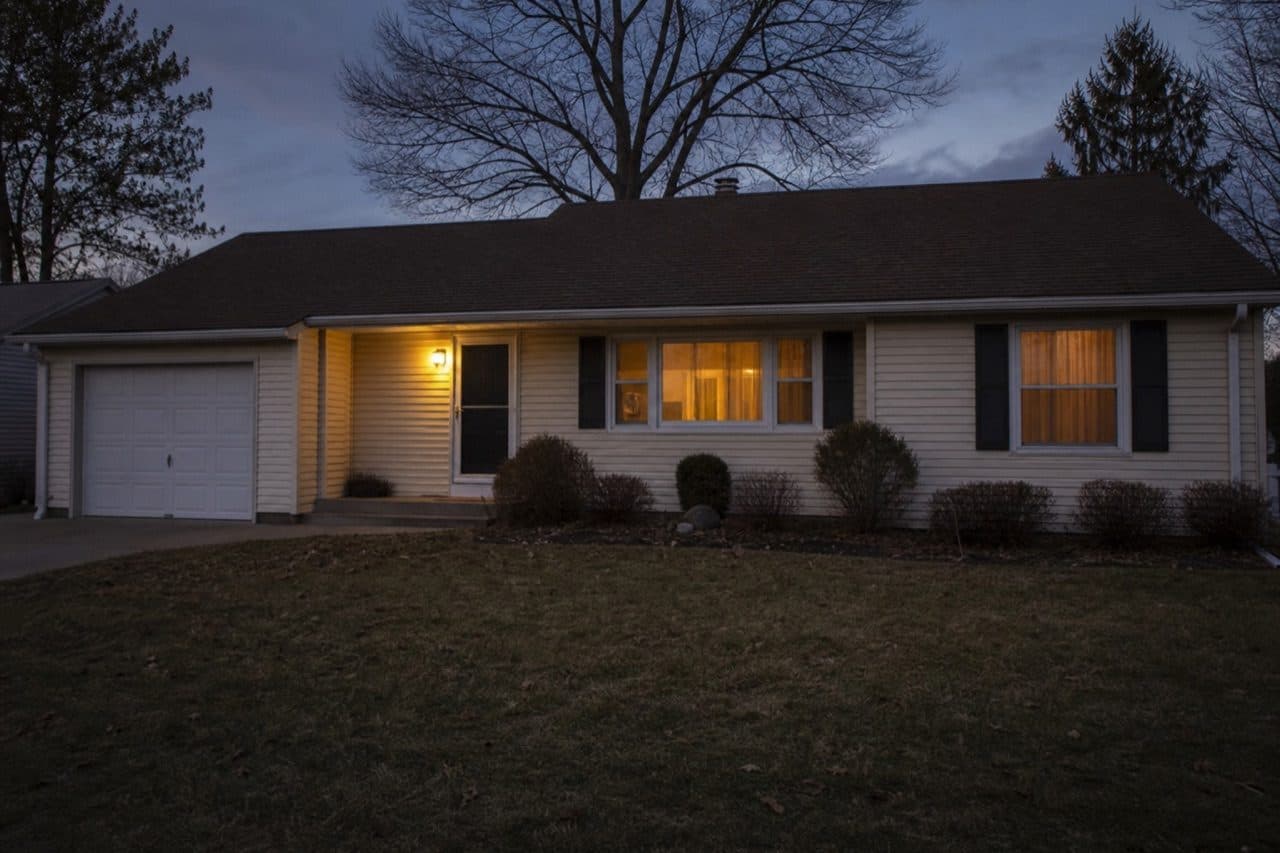
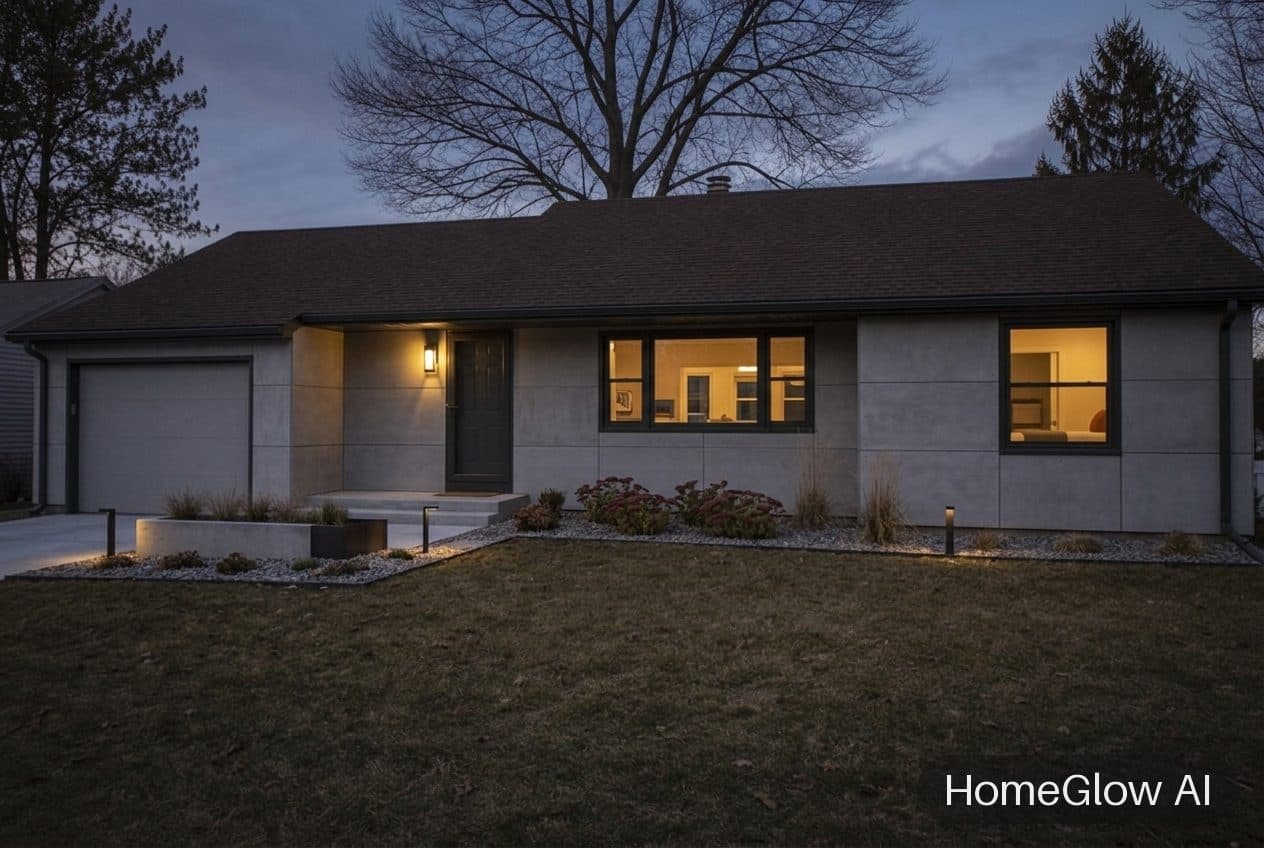
House exterior, modern. A modern facade on the same ranch-style house. See this design
Questions.
Is HomeDesigns AI free?
Check its site for current free options and plans. HomeGlow is free to try: 1 free watermarked generation, one-time.
Does it have a watermark?
HomeDesigns AI lists high-resolution results with no watermark. HomeGlow's free results are watermarked; PRO removes it.
HomeDesigns AI vs Interior AI?
See our Interior AI comparison. They differ in features and pricing.
Does it keep my room's layout?
HomeDesigns AI lists a Structure-Lock feature. HomeGlow keeps your walls, windows and camera angle.
Cheaper alternatives?
Compare what you need against each plan. HomeGlow is free to try, so you can test it first.
Is it good for staging?
HomeDesigns AI lists virtual staging, and HomeGlow's Furnish empty room tool does staging too.
Other comparisons.
HomeGlow tools in detail: AI interior design. Plans are on the pricing page.
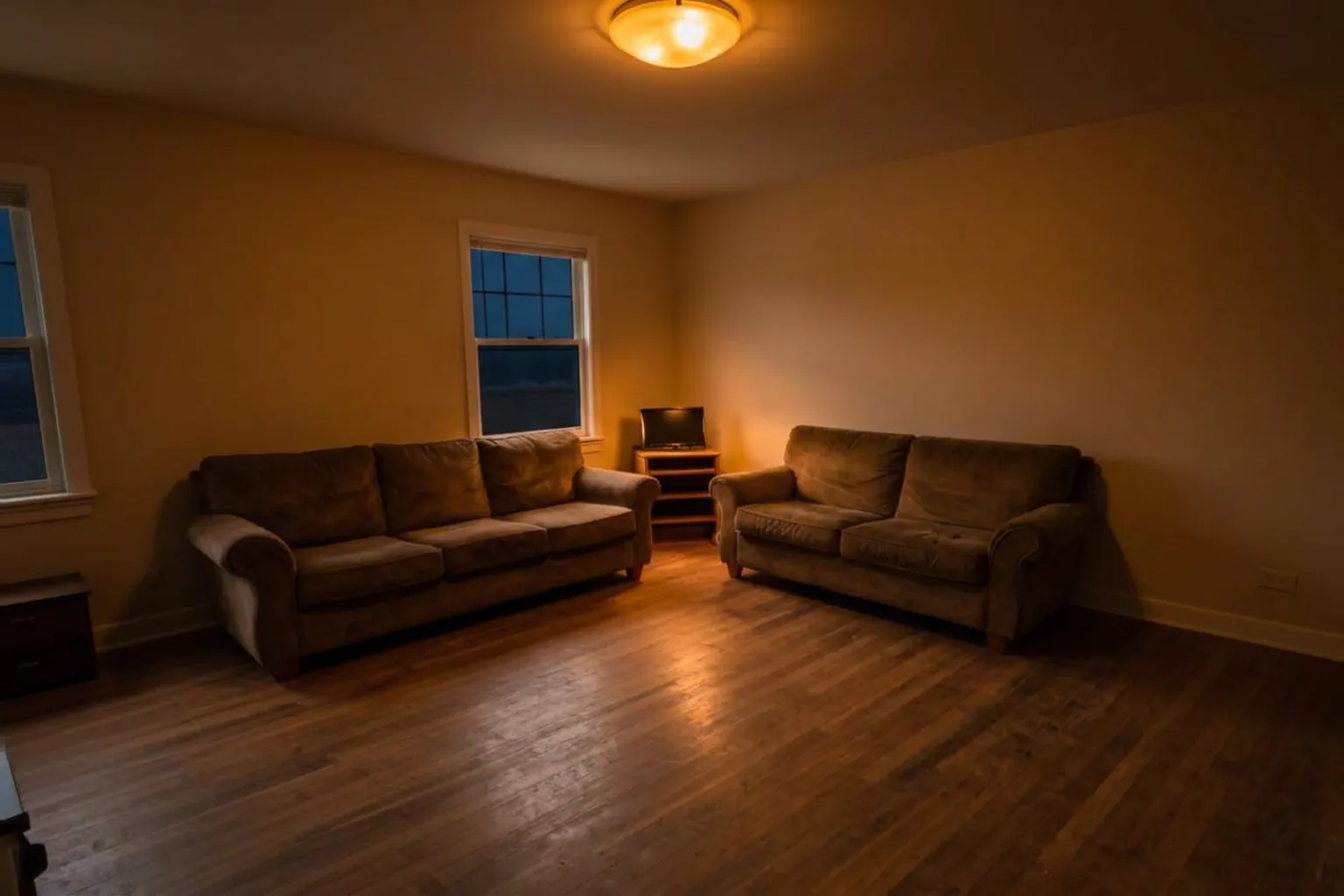
Judge it on your own room.
Free to try on a photo of your room. No card needed to start.
Try HomeGlow free